Questions about NetBlade for Android
Is it really free?
Yes, with a banner above the navigation bar. Scanning, ports, Wi‑Fi, SSH, file transfer, monitoring and almost every tool are free with no conditions. The advanced features unlock for 24 hours with a short video, or with an in-app purchase that also removes the ads.
Does it need root or an account?
No. Everything runs with ordinary app permissions, and each permission is asked for only when the feature that uses it opens. There is no account to create.
Why are some MAC addresses missing?
Since Android 10 the system limits apps' access to the ARP table. If your router supports SNMP, NetBlade can read its table, read-only, and recover the MACs and vendors Android hides.
Do I have to install anything on the PCs I read?
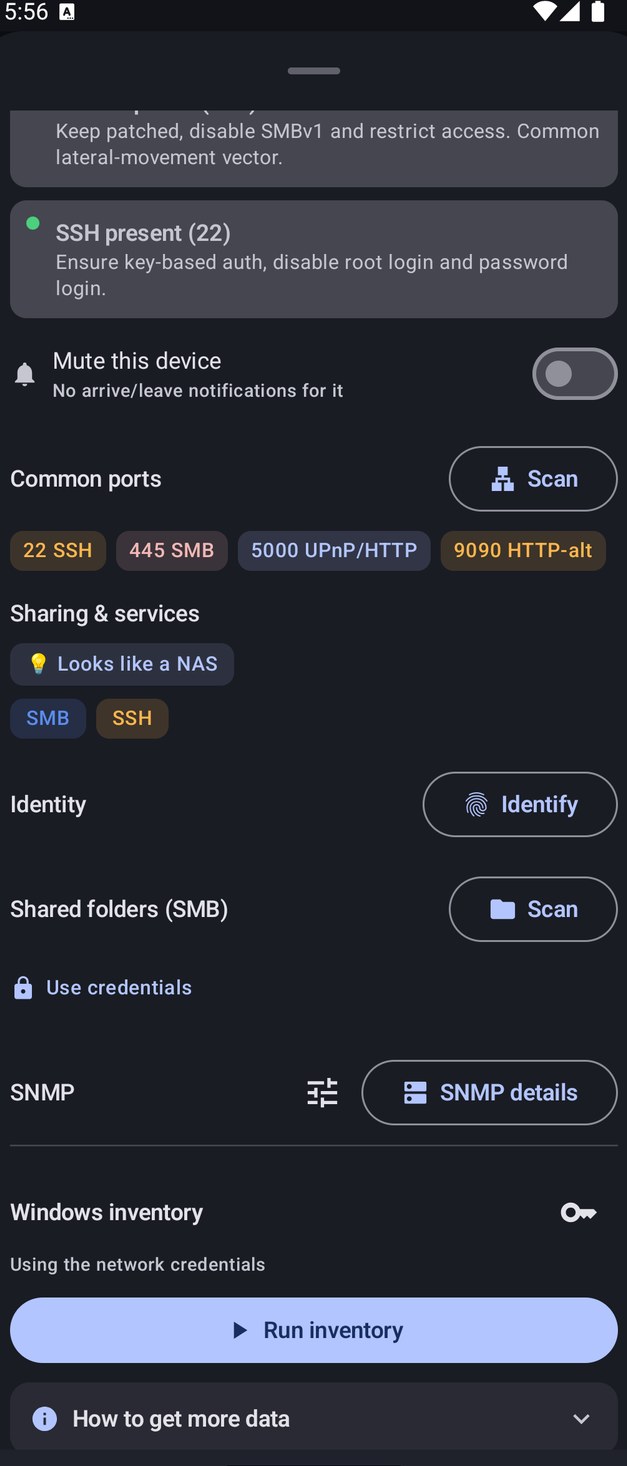
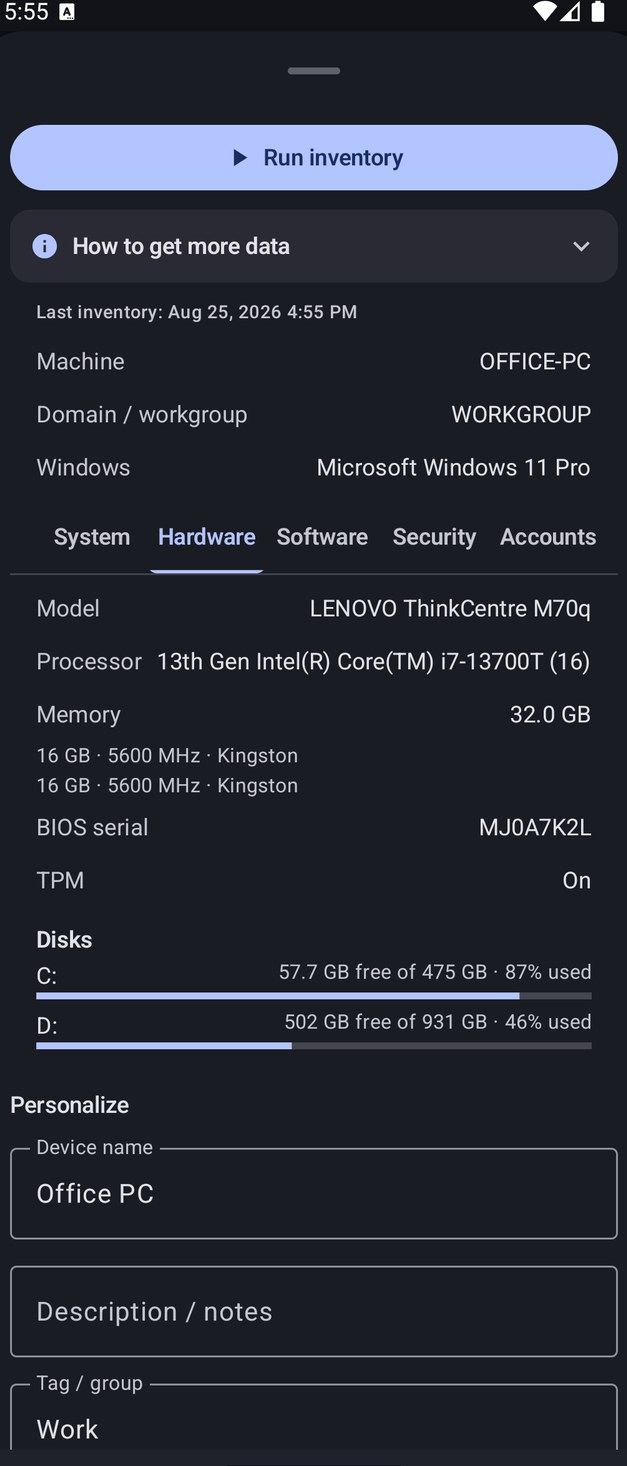
No. The Windows inventory uses a local administrator account over file sharing and, if it is enabled, WinRM. Linux machines are read over SSH with a read-only script shown to you before it runs.
Does my network data go anywhere?
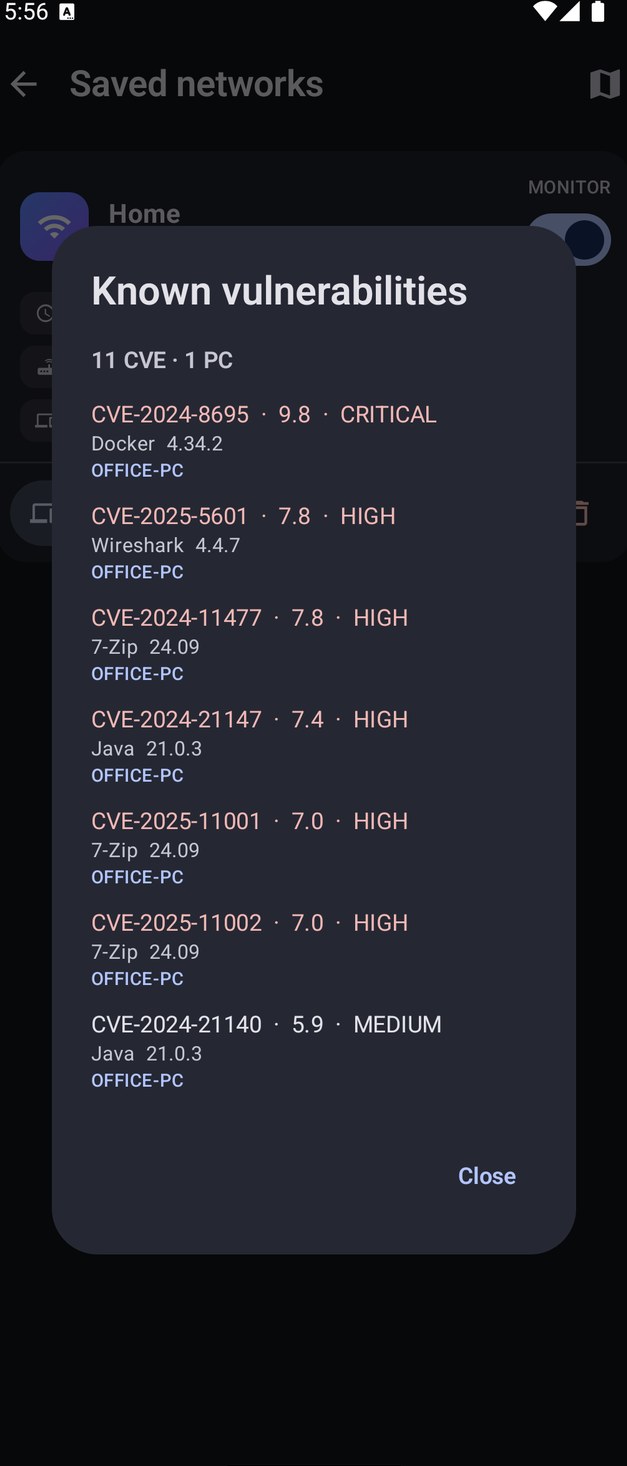
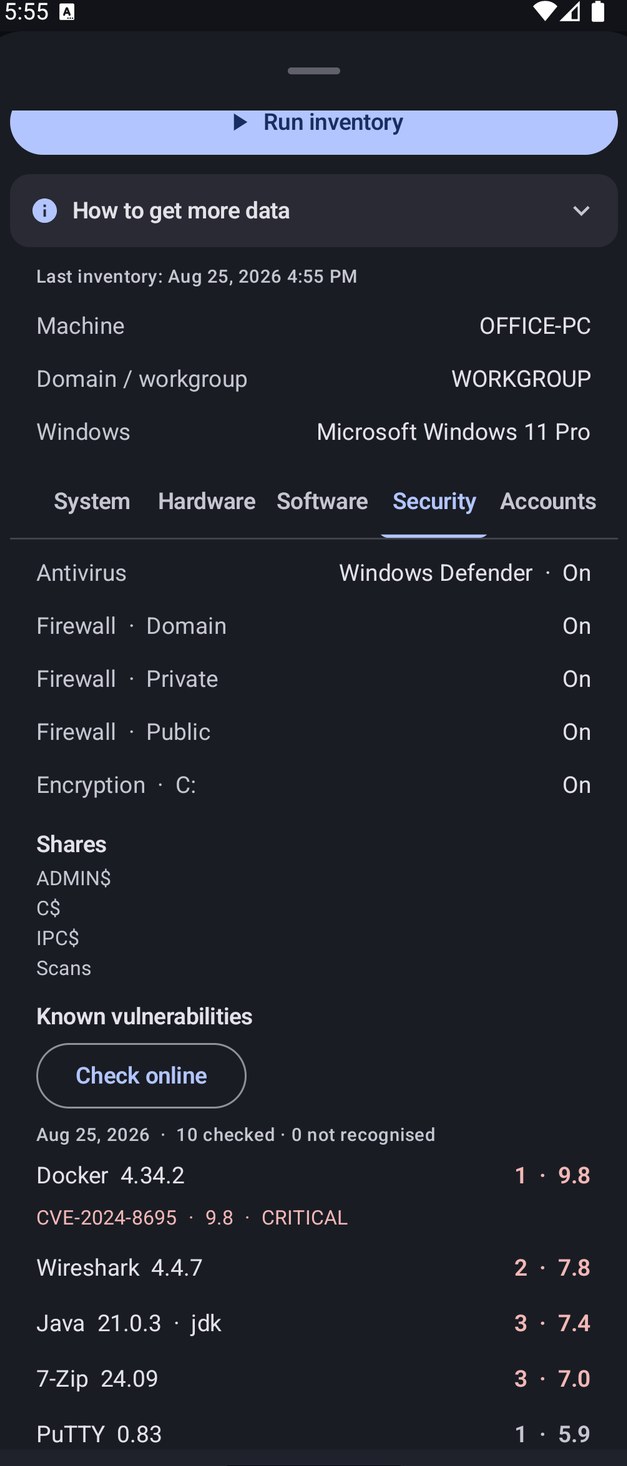
No. Scans, devices and inventories stay in the app's database on your phone, and there is no server of ours. Outside services are contacted only when you use a tool that needs them, and the vulnerability check sends only the name and version of recognised programs, after your consent.
Does my purchase work on iPhone or Windows?
No. NetBlade for Android, for iPhone and iPad and for Windows are independent products: they do not sync and share no data, and each purchase is valid only on its own store. Your Google Play purchase follows your Google account on Android.